---
title: "In-App Billing"
slug: in-app-billing
description: "Manage your subscription directly in the dashboard."
created_at: "2024-07-11"
updated_at: "2024-12-05"
image: https://cdn.resend.com/posts/in-app-billing.jpg
humans: ["vitor-capretz"]
---
When we started Resend, we focused only on making it easy for you to send emails and nothing else. That's why we decided to handle the billing process outside the app.
As more users started using the product, we realized that this was not the best experience. So we decided to change that.
Now, you can manage your subscription and billing information inside the dashboard.
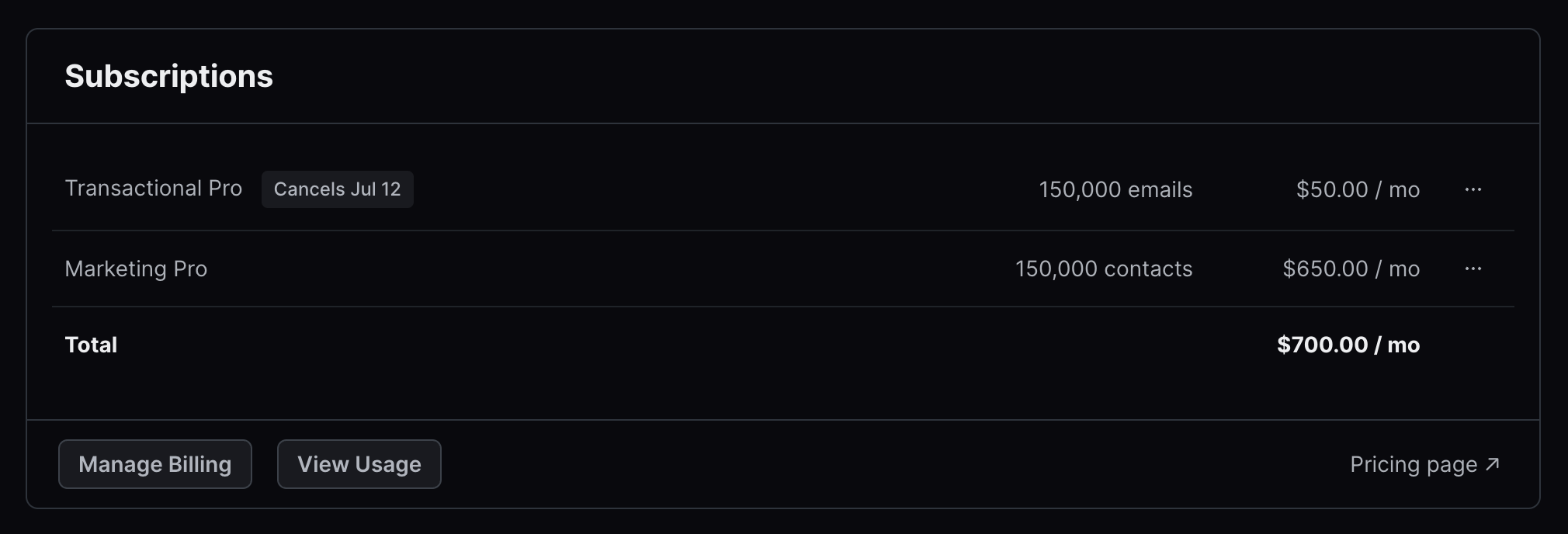
## Manage subscriptions
You can upgrade, downgrade, or cancel your subscription at any time.
 ## Download invoices
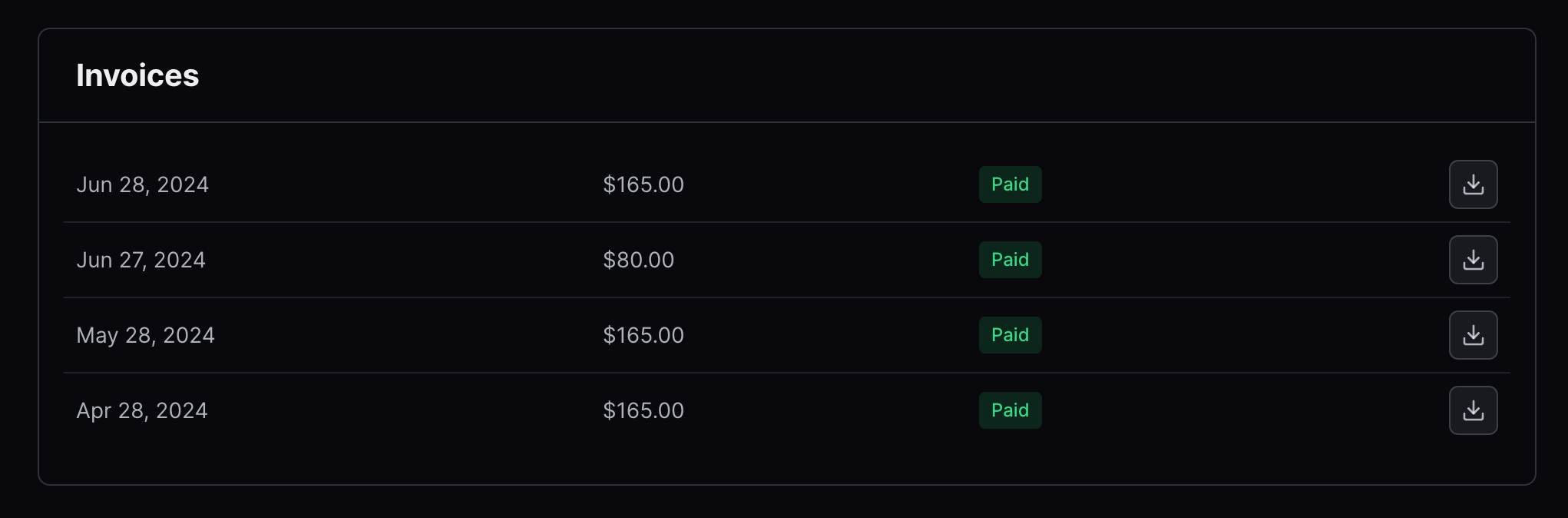
You can see the list of all your invoices and download them in PDF format.
## Download invoices
You can see the list of all your invoices and download them in PDF format.
 ## Include billing information
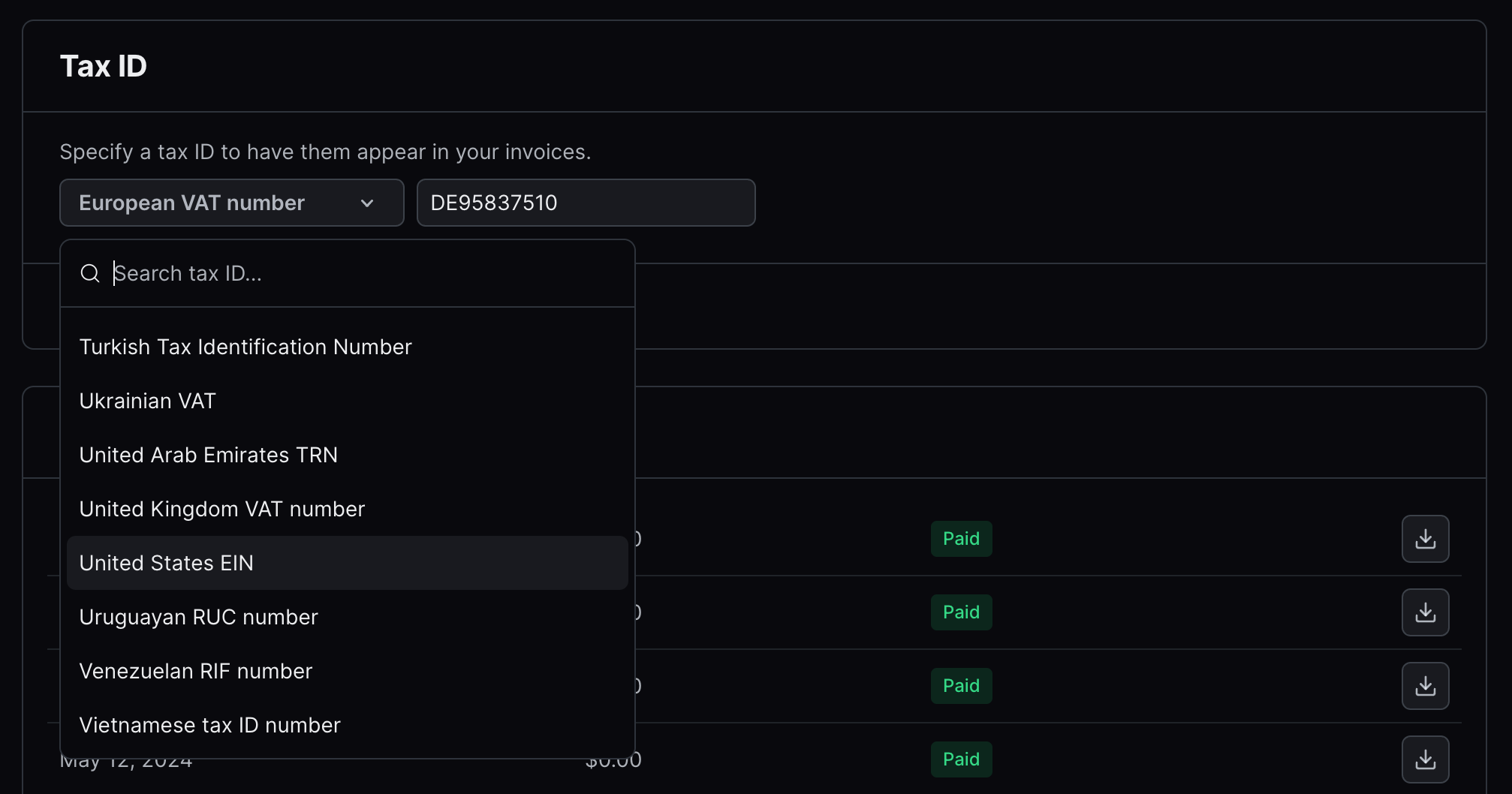
You can add your billing address, billing email, and tax information, such as the VAT ID.
## Include billing information
You can add your billing address, billing email, and tax information, such as the VAT ID.
 ## Update payment method
You can see the payment method that you are currently using.
## Update payment method
You can see the payment method that you are currently using.
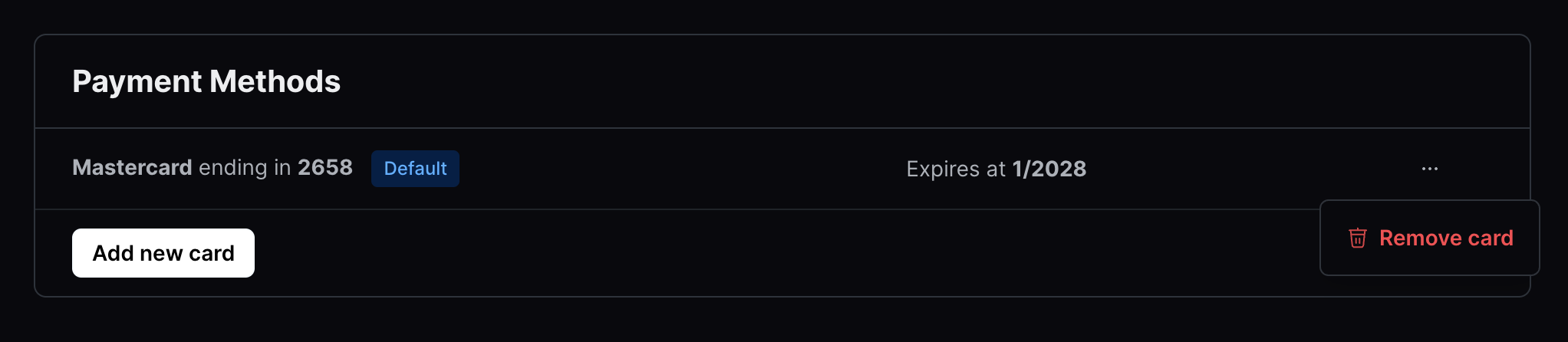 You can also update your credit card without leaving the dashboard.

We know these are table stakes for a product like Resend, but we hope they make managing your account easier.
You can also update your credit card without leaving the dashboard.

We know these are table stakes for a product like Resend, but we hope they make managing your account easier.