---
title: "Multiple Teams"
slug: multiple-teams
description: "Create and join multiple workspaces using the same email address."
created_at: "2025-03-25"
updated_at: "2025-03-26"
image: https://cdn.resend.com/posts/multiple-teams.jpg
humans: ["jonni-lundy"]
featured: true
category: "product"
---
Many people use Resend for multiple projects. They might be working for an agency that supports different clients or using the product for both personal and work projects.
Before, each account was limited to a single team, which required our most active customers to create a new Resend account for each new team.
Today, we're excited to announce support for multiple workspaces.
## Creating a new team
Each team is distinct, with its own API keys, billing, and usage.
You can create as many new teams as you need. Get started by providing a distinct name for your new team.
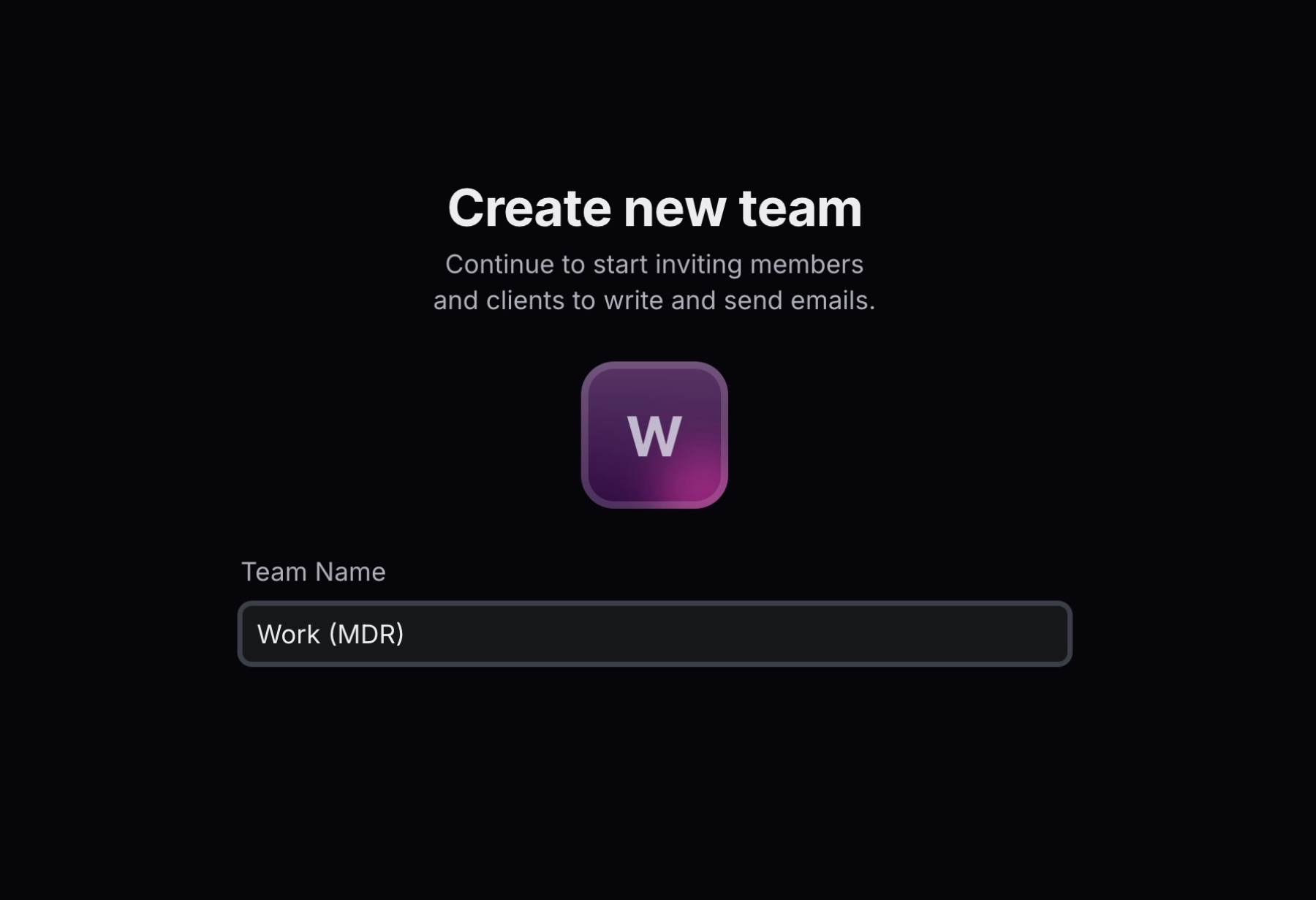 Next, choose a paid transactional or marketing plan. Once your team is created, the dashboard will show the new team as the active team.
 ## Invite others to join
As the admin of your newly-created team, you can invite other users to join your team.
If they already have a Resend account, they'll be prompted to join your team. Otherwise, we'll help them create an account and join your team.
## Invite others to join
As the admin of your newly-created team, you can invite other users to join your team.
If they already have a Resend account, they'll be prompted to join your team. Otherwise, we'll help them create an account and join your team.
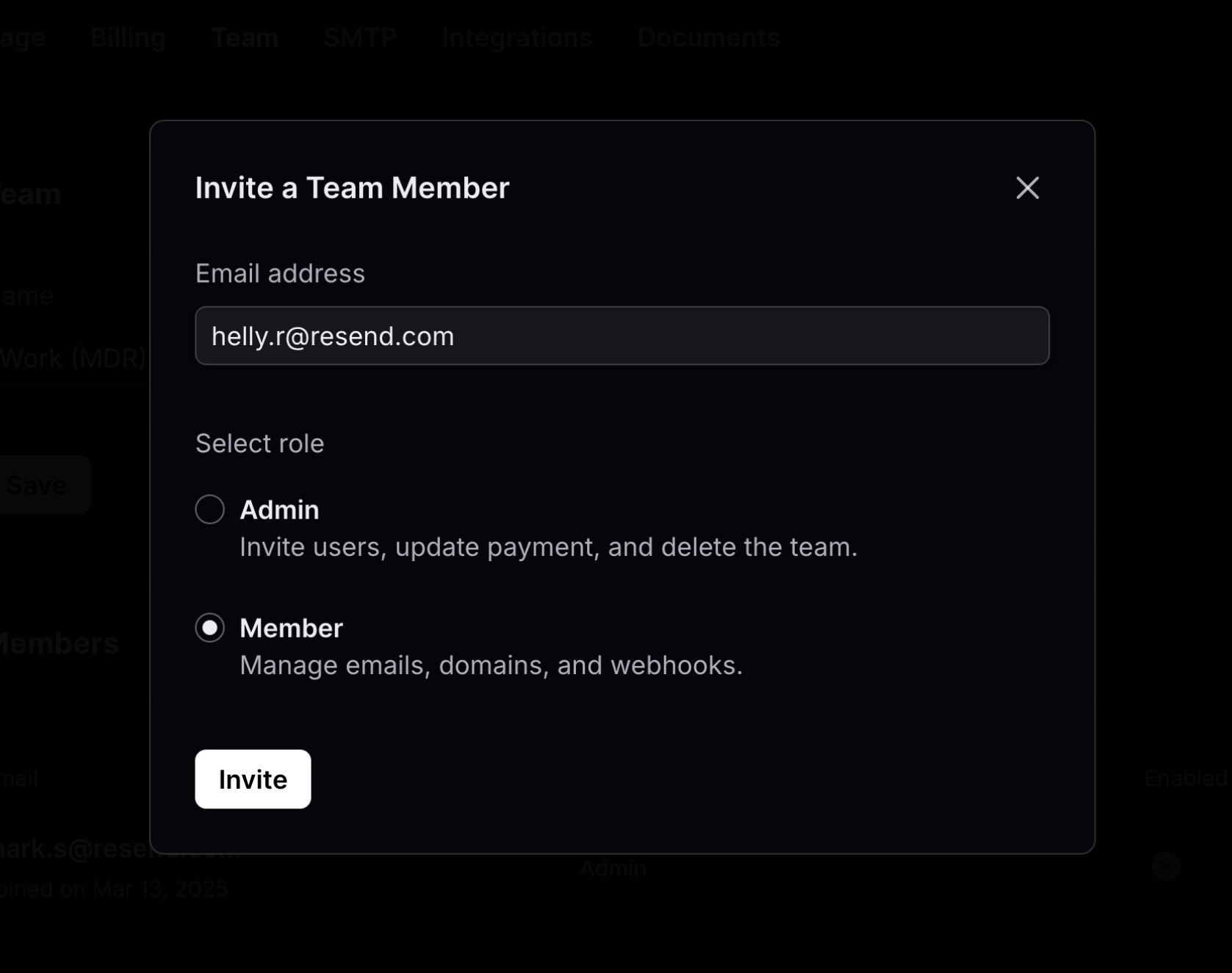 Team members can be given roles, so each person on your team has the right permissions.
- **Members** have access to manage emails, domains and webhooks.
- **Admins** have all Member permissions, but can also invite users, update payments, and delete the team.
## Switching between teams
You can switch between your teams at any time using the Team switcher.
Whether you're an agency, studio, or a contractor managing multiple clients, we think you're going to love multiple teams.
Team members can be given roles, so each person on your team has the right permissions.
- **Members** have access to manage emails, domains and webhooks.
- **Admins** have all Member permissions, but can also invite users, update payments, and delete the team.
## Switching between teams
You can switch between your teams at any time using the Team switcher.
Whether you're an agency, studio, or a contractor managing multiple clients, we think you're going to love multiple teams.